How to Track Your Subscriptions and Stop Paying for Things You Don't Use
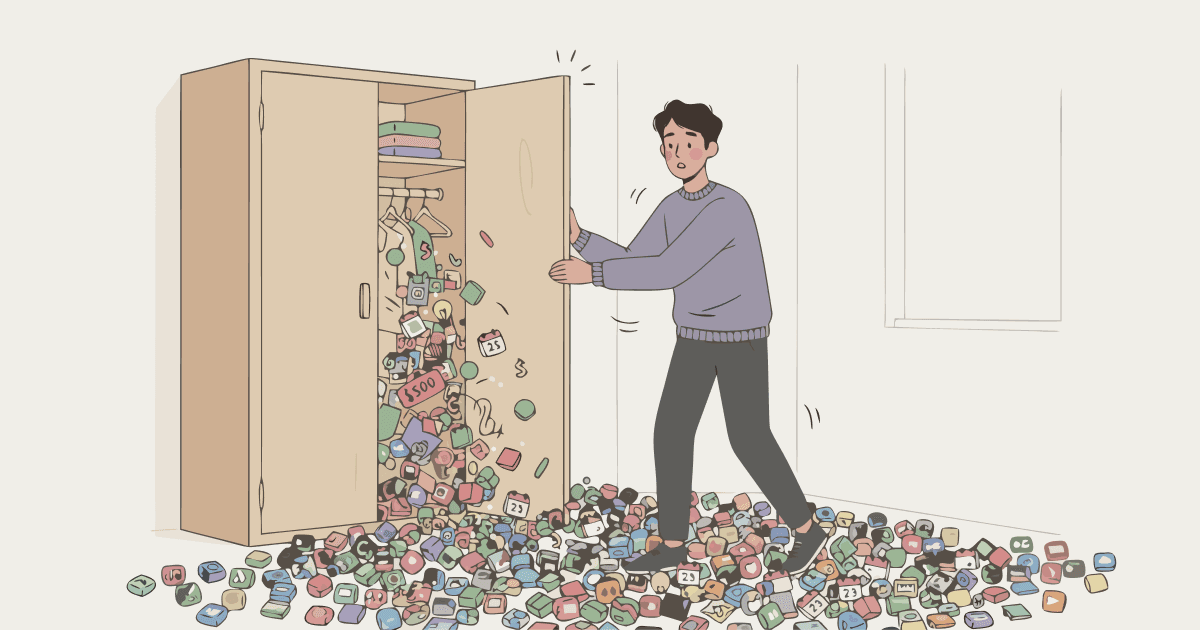
Here's a number worth knowing: the average American estimates they spend $86 per month on subscriptions. When researchers from C+R Research asked the same people to go through their spending category by category, the actual figure came out to $219 - more than 2.5 times the estimate.
This isn't a failure of attention or self-awareness. It's a design feature. Subscriptions are built to be frictionless - easy to sign up for, easy to forget, and built around the assumption that you won't notice a $12 charge buried in a month of spending. Most of the time, they're right.
The good news: auditing your subscriptions is a one-time task that takes about 30 minutes and rarely needs to be repeated more than once a year. Here's how to do it properly.
Why Subscription Tracking Matters More Than It Used To
Fifteen years ago, most people had one or two subscriptions - maybe a gym membership and a cable bill. Today, the average American pays for 5.4 active subscriptions, according to a 2025 study from Bango, with nearly 1 in 4 Americans spending over $100 a month on streaming and subscription services alone.
The categories have expanded well beyond entertainment. Software, fitness apps, news, cloud storage, delivery services, AI tools, gaming, and even grocery add-ons now all run on subscription models. Each one feels manageable individually. The problem is that none of them know about the others - and neither does your budget, unless you've deliberately put them there.
Self Financial's 2025 survey found that 54.9% of subscription holders currently have at least one subscription they haven't used in the past 30 days. The average monthly value of those unused subscriptions is $10.57 - not catastrophic on its own, but the broader pattern of accumulated subscriptions is where real money disappears.
Step 1: Find Every Subscription You're Actually Paying For
The starting point isn't a spreadsheet - it's your bank and card statements. Pull up the last two months of transactions across every account and card you use, and read every line.
Look for:
Any charge with the same amount recurring monthly or annually
Any charge from a company name you half-recognize but can't immediately place
Any charge ending in .99 or beginning with a company name you use
Charges on annual cycles (these are the easiest to forget because they only appear once a year)
Annual subscriptions are worth particular attention. A $99/year charge from an app you signed up for during a free trial two years ago is exactly the kind of thing that survives unnoticed indefinitely. When you're reading statements, look back further than a month - at least 13 months to catch any annual charges that may have already renewed.
Write down everything you find. Name, cost, and billing cycle (monthly or annual).
Step 2: Sort Into Three Categories
Once you have the full list, sort each item into one of three groups:
Keep: Used regularly, provides clear value, cost is proportionate to how much you use it.
Cancel: Not used in the past month, or used so rarely that the cost isn't justified. Be honest here. A gym membership you use twice a month is probably not worth $50.
Review: Uncertain - you use it, but you're not sure it's worth the price. Or you use it, but could get the same value from a cheaper tier or a shared plan.
Most people find that the Keep list is shorter than expected and the Cancel list is longer. That's normal.
Step 3: Cancel the Dead Weight Immediately
Don't defer cancellations. Do them while the list is in front of you.
The friction of cancellation is exactly what subscription services rely on. Most platforms make cancellation deliberately unclear - buried menus, "pause" options designed to feel like cancellation, confirmation screens with emotional language about what you'll lose. None of that changes the math. If you're not using it, cancel it.
For services you're unsure about, set a calendar reminder 30 days out to check whether you've used them. If you haven't, cancel then.
Step 4: Set Up What Stays as Recurring Transactions in Your Budget
This is the step most subscription tracking advice skips - and it's the one that actually prevents the problem from returning.
Once you know which subscriptions you're keeping, add each one to your budget as a recurring transaction. Monthly subscriptions appear every month. Annual subscriptions appear on the right date each year. You don't have to remember them - they're just there, in your budget, every time they're due.
This does two things. First, it makes future forgotten charges impossible - every regular outgoing is already accounted for. Second, it creates a natural review moment: when a recurring transaction appears in your budget, you see it and briefly evaluate whether it still makes sense. That's when you notice the service you stopped using two months ago.
Budgetpeer is free to start. Upgrade for $4.99/month, $49/year, or $129 once for lifetime access. No bank login. BNPL installments land in the right months, with a reminder before each one is due. Download on the App Store →
How Often to Re-Audit
A full subscription audit - going through every statement from scratch - is worth doing once a year. A good trigger is the start of a new year, or any time your monthly spending feels higher than it should.
Between audits, the recurring transaction approach handles the ongoing tracking. The only thing that slips through is genuinely new subscriptions - and those should be added to your budget the day you sign up, not weeks later when you're wondering what that charge is.
One habit worth building: whenever you sign up for a free trial, add the trial end date and the upcoming charge to your calendar immediately. Most free trials convert automatically. Most people don't notice until the second or third billing cycle.
The Honest Summary
Subscriptions compound quietly. A $15 app here, a $12 streaming service you only use in winter, a fitness app you downloaded in January - none of them feel like a real expense. But the C+R Research data makes the pattern clear: by the time most people actually look at what they're paying, the number is more than twice what they estimated.
The fix isn't complicated. One afternoon with two months of statements, a clear-eyed sort into keep/cancel/review, and a recurring transaction in your budget for everything that stays. After that, the subscriptions are visible, and visible spending is spending you can actually manage.
If you're also dealing with BNPL installments adding to your monthly outgoings, this guide on how BNPL actually affects your monthly budget covers the same visibility problem from a different angle.
Sources
C+R Research: Subscription Service Statistics and Costs
Bango: One in Four Americans Spend Over $100 a Month on Streaming and Subscriptions
Self Financial: Cost of Unused Subscriptions


